
opencode --model zai/glm-5.3Run GLM via OpenCode on a canvas.
GLM has no CLI of its own, so Starkomand drives Z.ai’s coding plan through OpenCode pinned to a GLM model. Several sessions, real terminals, one canvas.
v1.0.4 · Apple silicon · free for 3 days · no account
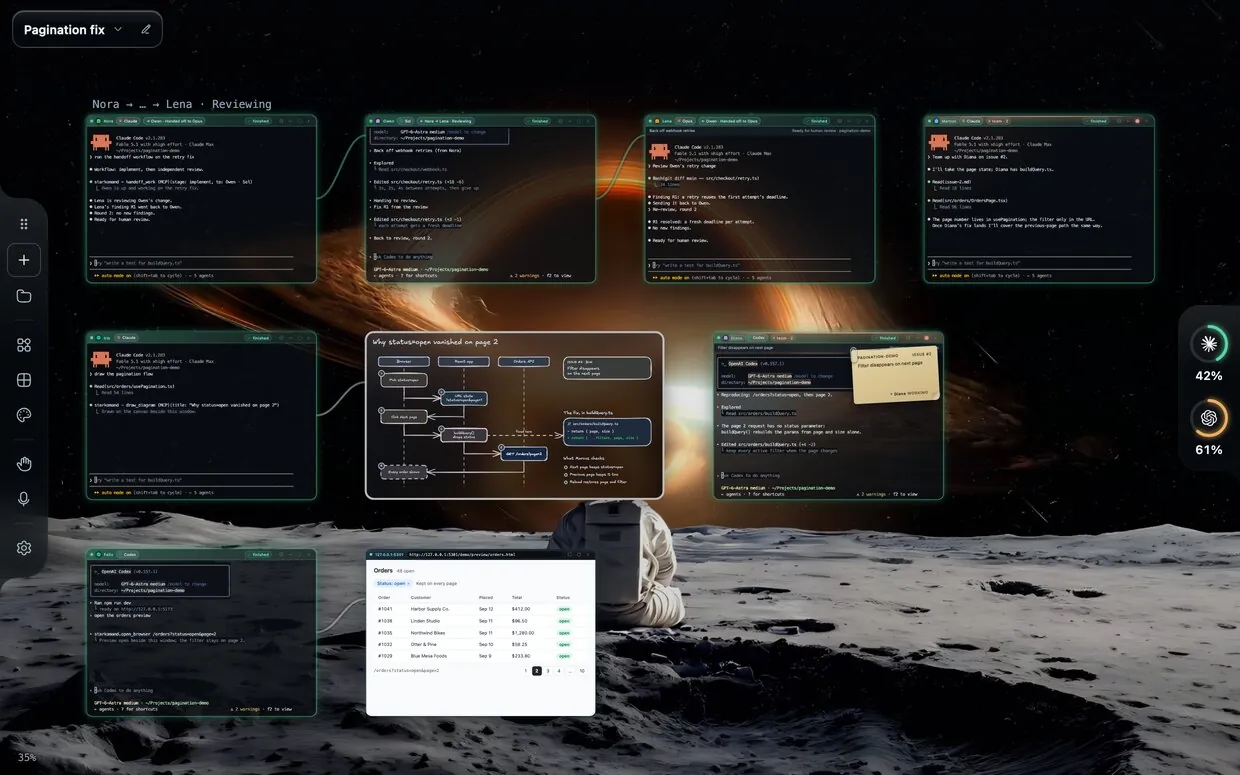
What GLM gets on the canvas.
How Starkomand launches GLM and what it can show you about each window.
| Launches as | opencode --model zai/glm-5.3OpenCode with the zai provider. |
|---|---|
| Canvas tools | Merged into OPENCODE_CONFIG_CONTENTLaunch-scoped: no config file is written. |
| Canvas instructions | An instructions file |
| Window’s back | Request and turn state onlyThe CLI does not report tool steps to Starkomand. |
| Usage | No usage ring |
| Expired sign-in | Restart other windows with ⟳ after signing in |
Same for every agent. A real terminal signed in as you, diagrams and browser previews beside the window, issue notes you drop onto it, handoffs with a brief to any other agent, a spoken “done” when a turn ends, and persistent windows through Herdr.
Read from Starkomand’s launch code on 28 September 2026. Product names belong to their owners; Starkomand is not affiliated with them. Spotted a change? Tell us.
Set up in a minute.
Install GLM
Follow the OpenCode provider guide. Starkomand finds
opencodeon yourPATH.Sign in once
Run
opencode auth loginand pick the Z.ai provider.Open it on the canvas
⌘-click the canvas and pick GLM. Every window you open after that starts signed in.
Questions.
Can I run multiple GLM sessions at once?
Yes. Each window runs its own opencode --model zai/glm-5.3 in a real terminal, so open as many as your plan allows, side by side or in separate workspaces, next to any other agent.
Does Starkomand change my GLM configuration?
No. The canvas entry travels in the launch’s environment and is merged into your own OpenCode config for that session only.
Do I need an API key for GLM?
Starkomand never asks for one. Run opencode auth login and pick the Z.ai provider. Your plan and usage stay with the provider; Starkomand does not resell tokens.
Next to GLM.
Run any of these in the next window. See all of them side by side.
Bring the agents you already pay for.
Every agent, every feature, free for 3 days. Your CLIs are already installed; the canvas takes a minute.
v1.0.4 · Apple silicon · no account